

AI Recipe
Colorway variations
One base photo is enough. Every option comes out matched.
10 images · Est. 24–207 credits · Drafts covered free
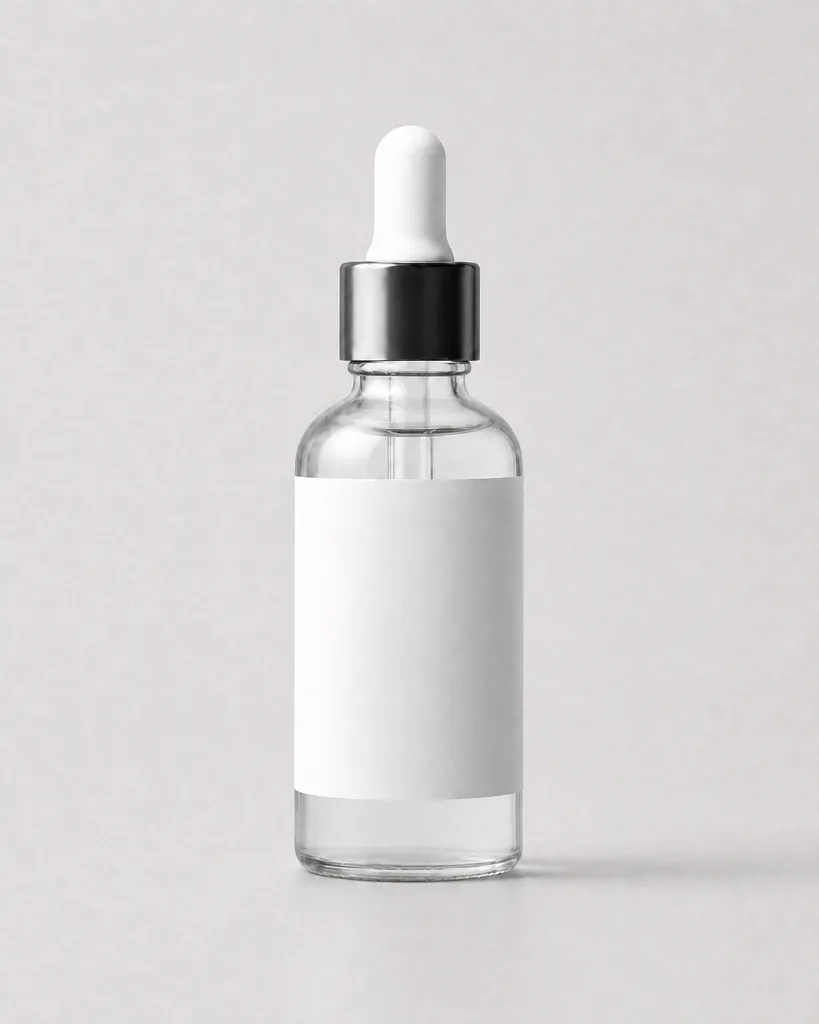
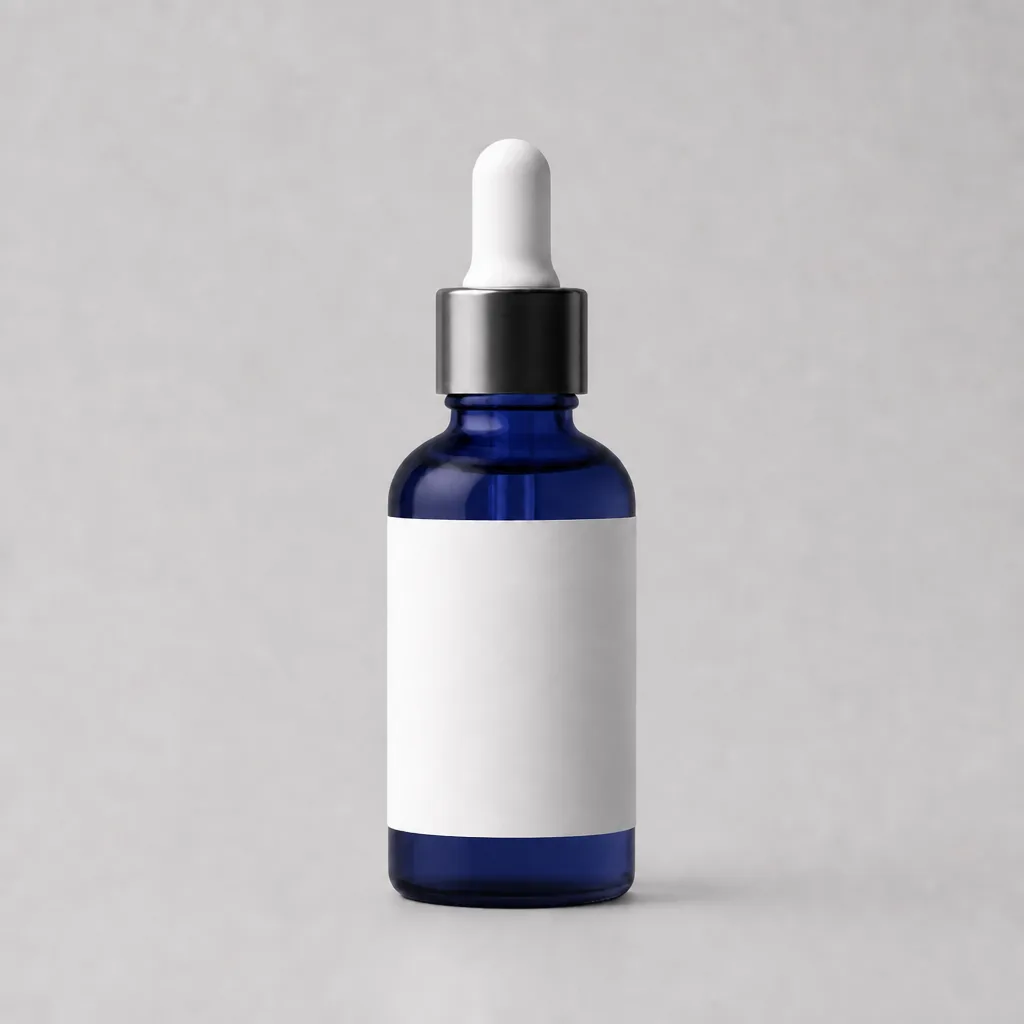
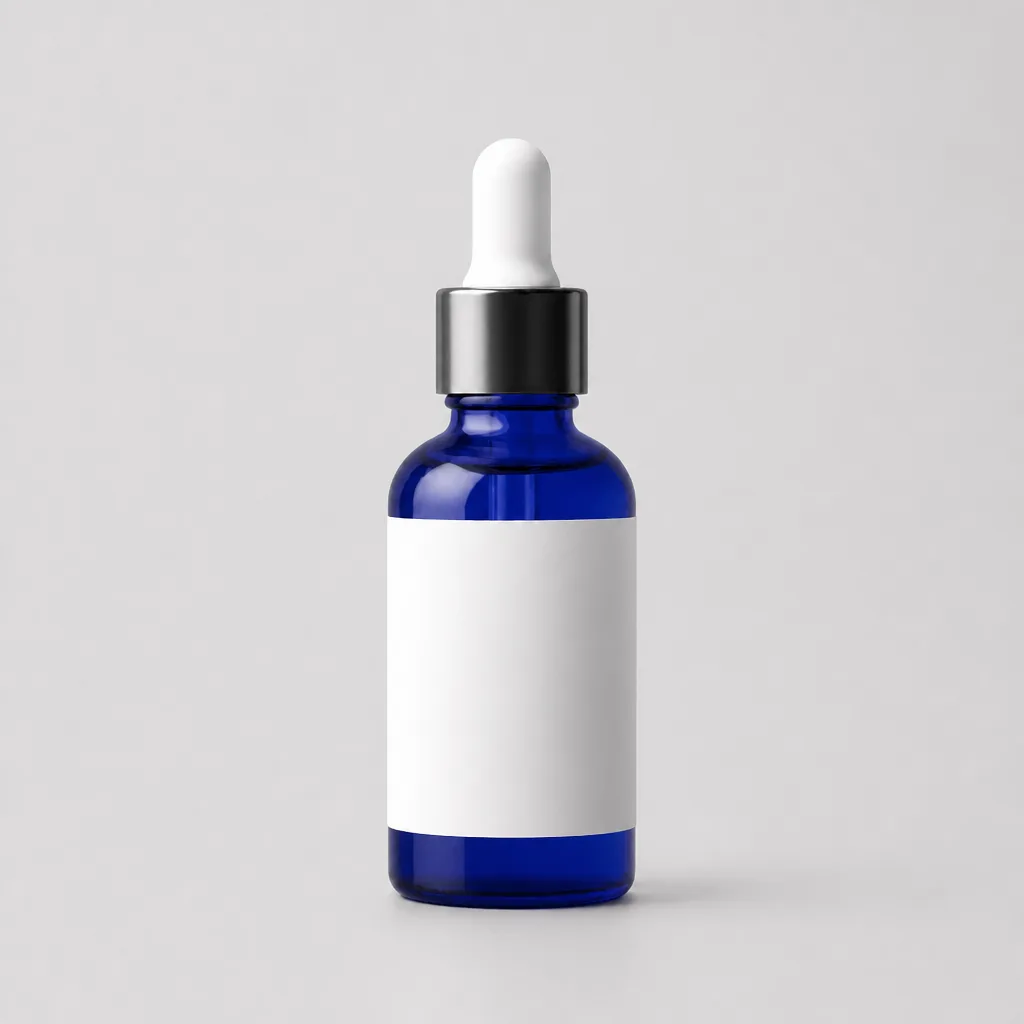
1
Set the base
Background and light get fixed first.
2
Roll options
Six shots, only the color changes.
3
Grid view
All options lined up in one image.
4
Social set
Pick two options to feature.
Framing never drifts. Light, shadow and angle stay locked across options.
What you get
- A cleaned base shot
- 6 matched option shots
- One overview grid
- 2 social verticals
You need
- 1 base product photo
- Option list (up to 6)
FAQ
What does it cost?
Estimated 24–207 credits, confirmed at every step.
Will colors match production exactly?
Screen colors can differ. Treat them as previews.
More than six options?
Start with six, then ask for the rest in the same chat.
Do logos and prints survive?
Yes. Shape and logo distortion is against the rules.