

Say it — it gets made
Images, video, and music — from one line of chat. Solo, with your team, live.

Make an ad pamphlet with this product.
An anti-dandruff shampoo that cares for dandruff, dead skin cells, and sebum at once. Show me 3 concepts in different directions.
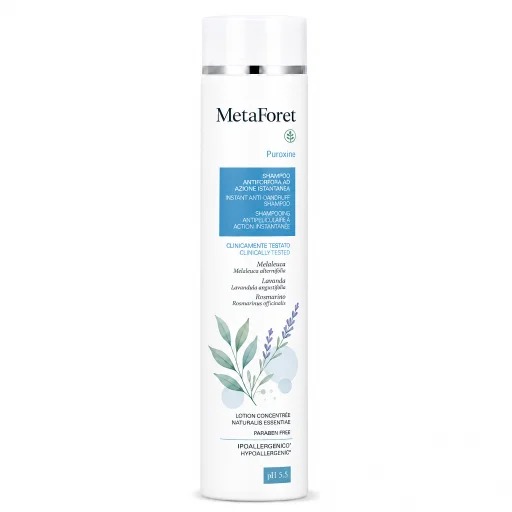
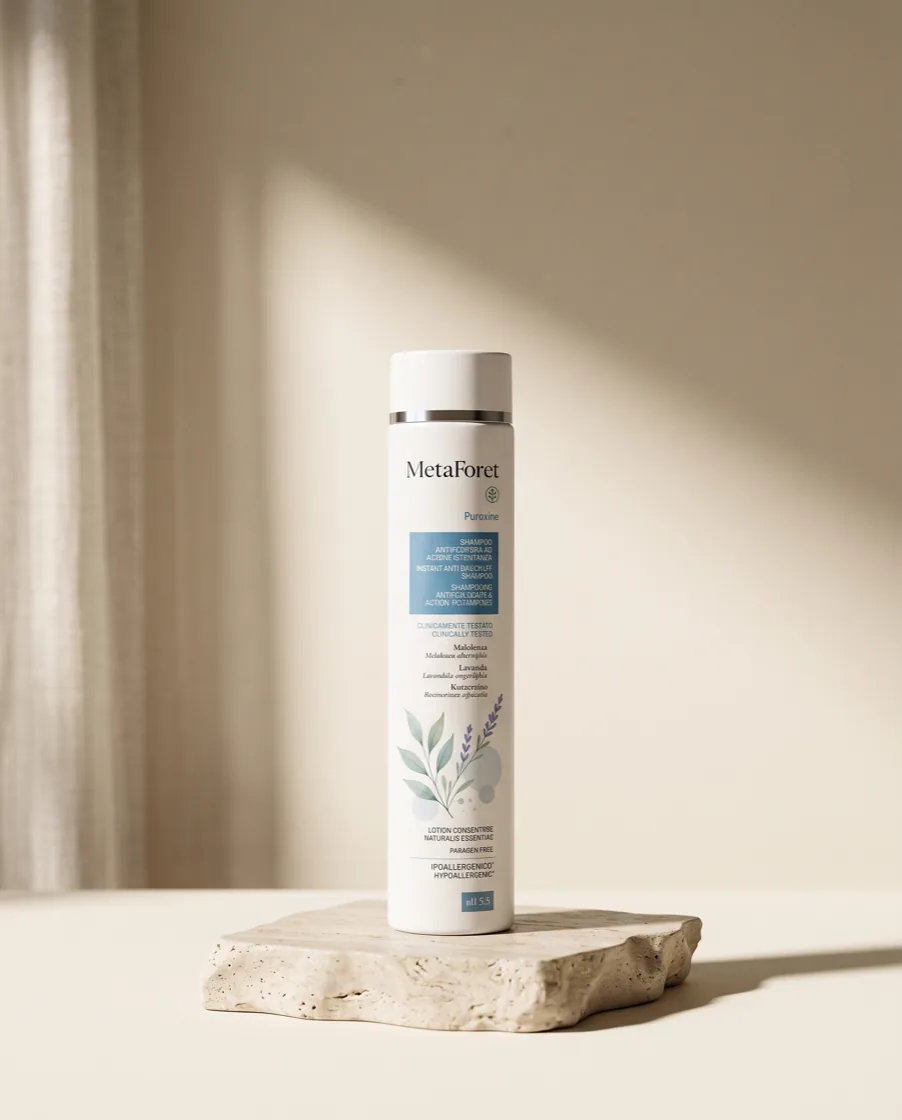
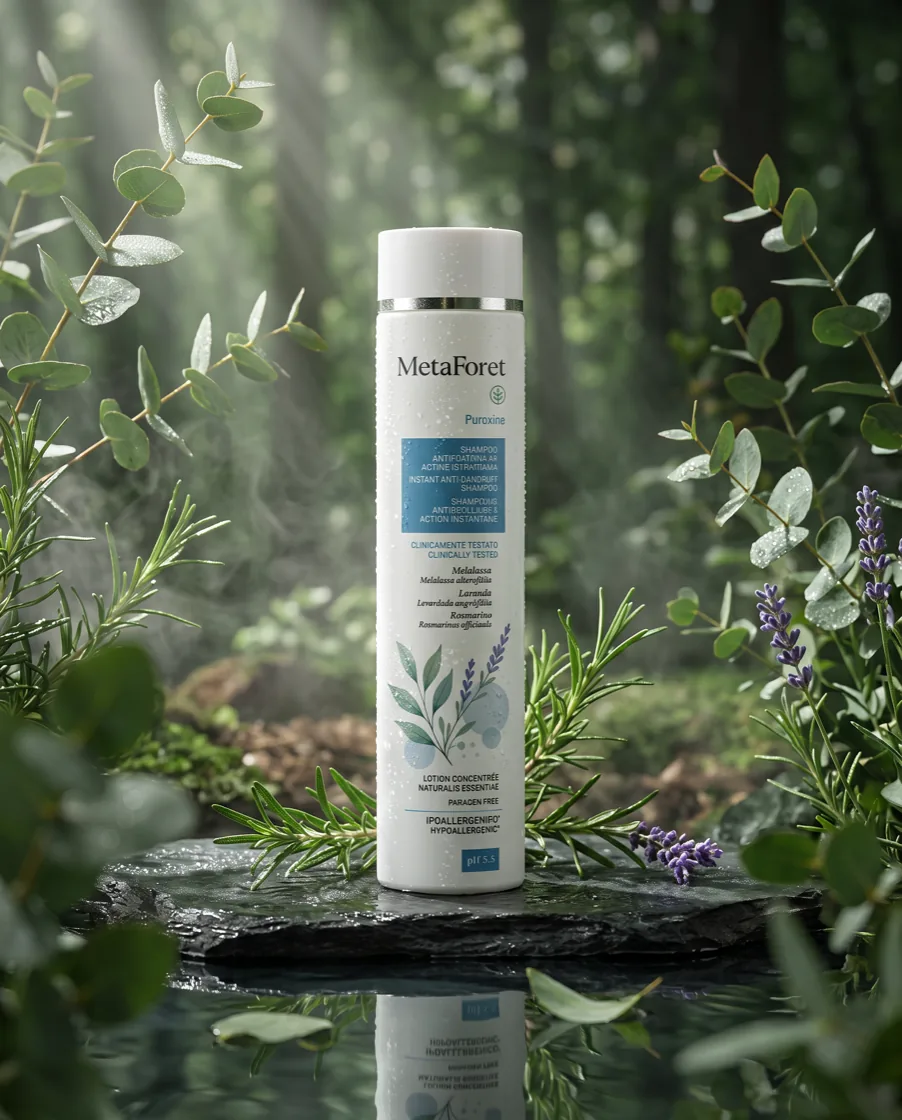 Selected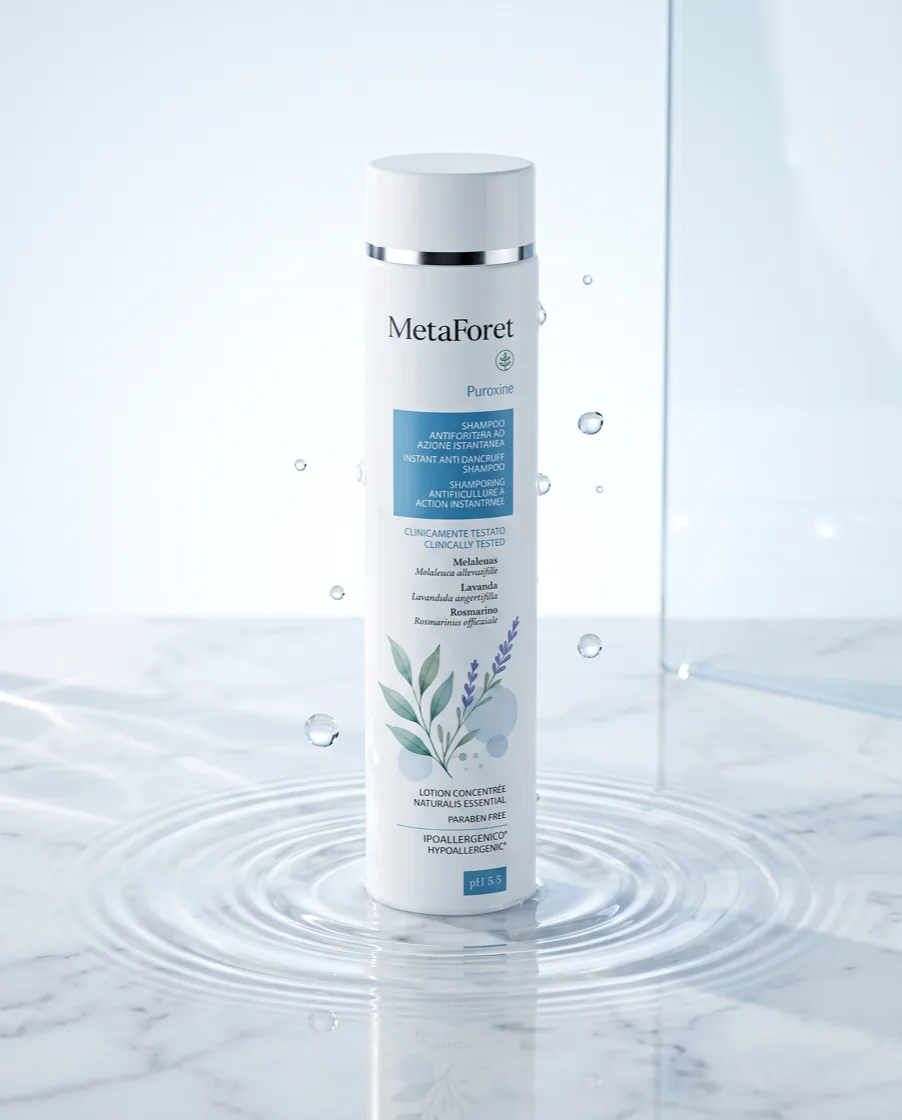
Go with #2, and make a video too.
How one line of chat becomes finished work
Say it
Describe what you want the way you would normally say it. You can also drop in images or files.

Design a body lotion for me!
Make it
The AI understands your request, picks the right tools, and turns it into images, video, music and design.
 AIUnderstanding your request…✦
A soft, hydrated summer day
Continue together
Share one canvas with your team, trade feedback, and refine the same result together.
A soft, hydrated summer day


How about tightening up the copy a little?
I would love the product to be a bit bigger!
Nice! Let's brighten the tone in this direction.
One choice, one flow to finished
Skip the feature menu. Recipes already know the steps you'll need.
Made with XBRUSH
Celebrity personas, up to ad videos
AI personas and ad templates live in IP Market
AI Personas
What real users say
Teams are already shipping results with XBRUSH.
I used to juggle multiple AI tool subscriptions, but here I handle everything in one place. Working on images and videos together on a single platform makes my workflow much faster.
J. Kim
Graphic Designer
The UI is so intuitive that I got used to it quickly. Creating images and audio for company presentations all in one place is really convenient. The service is stable and fast too.
Y. Lee
Marketing Planner
Honestly, I had a vague aversion to AI and hesitated to use it, but now I regret starting so late. It's a whole new world!
H. Park
Concept Artist
No need to switch between platforms - everything in one place has boosted my efficiency tremendously. I especially appreciate how quickly the latest models are integrated.
W. Choi
Graphic Designer
This is amazing! YouTube thumbnails, background music, intro videos - I create everything here. Definitely sticking with this and recommending it to everyone.
M. Jung
Content Creator
The service is incredibly stable for business use. Even when I need to create materials urgently, everything works smoothly. Image and video quality are excellent too.
H. Kang
Brand Manager
I use this for every assignment. It's easy enough that I recommended it to my friends. Making presentation materials takes so much less time now. Best value ever!
E. Yoon
College Student
Being able to quickly create various drafts for clients is great. The quick integration of new AI models really helps maintain my competitive edge.
W. Lim
Freelance Designer
I generate all the images and audio I need for video work here. No more subscribing to multiple sites - saves both time and money. Really convenient.
R. Song
Video Editor
Our entire team uses this. Design team for images, marketing team for videos - everyone is satisfied. The stable service lets us focus on our work.
M. Han
Startup CEO
My ad mockup creation speed has tripled. From images to videos to background music, handling everything on one platform makes campaign prep so much easier.
Y. Oh
Advertising Planner
So useful for creating concept images. The intuitive interface lets me focus solely on design work. And the latest AI features are always available quickly.
J. Shin
Fashion Designer
Perfect for Shorts creation. The video quality is great, but the music quality is truly impressive. Maximum work efficiency.
H. Kim
YouTube Creator
This has become essential for Instagram and YouTube content. Being able to create images, videos, and audio in one place has shortened our content cycle significantly.
G. Jo
Social Media Manager
I always use this for website image assets. I've tried other services, but XBRUSH's advantages are clear - this is my go-to for asset creation. The variety of styles is outstanding. Service stability is excellent too.
S. Kwon
Web Designer
Great for book covers and interior images. No need to compare multiple AI services - I can work with the latest models here, saving a lot of time.
W. Ryu
Publishing Editor
Perfect for creating club promotional materials! I knew nothing about prompts or AI basics, but had no trouble using it. I'm not even a design major and can't use Photoshop at all.
A. Hong
College Student
Using this for concept art and prototypes. The style variation is beyond imagination - I can generate so many different art styles. Great for running multiple projects in different genres simultaneously.
S. Ahn
Game Planner
I love using this for client meeting mood boards. Both quantity and quality of images are satisfying, and the intuitive interface reduces work stress.
R. Jang
Interior Designer
So convenient for internal training materials and recruitment promotions. Easy to use even without design expertise, and best of all, it saves a ton of budget :)
H. Seo
HR Manager
XBRUSH Frequently Asked Questions
A. With the free plan, you can generate around 60 images using the 100 credits given upon signup. By participating in surveys and other events, you can receive up to 400 additional credits for free. You can also create a team on the free plan, with up to 2 team members. Paid plans are monthly subscription products. Each month, credits are provided according to your plan type and reset monthly. The four paid plans — Basic, Plus, Pro, and Max — allow you to invite up to 3, 4, 5, and 8 team members respectively. If you need higher monthly limits, you can upgrade your plan or purchase team packs.
A. You can choose a subscription or credit purchase. Subscriptions provide monthly credits. For more details, please check the subscription guide.
A. Images generated on XBRUSH are delivered without any watermark and can be used commercially. Videos on the Free plan include a small XBRUSH watermark. Upgrading to a paid plan — Basic ($7/month), Plus ($20/month), or Pro ($34/month) — removes the video watermark entirely.
A. Yes. All images and videos generated on XBRUSH can be used for commercial purposes, including marketing, product listings, social media, and advertising. Copyright of generated content belongs to the company in principle, but commercial use is permitted under the terms of service. Usage may be restricted if it involves legal violations.
A. Image generation typically takes 5 to 20 seconds depending on the model and step count. Video generation takes approximately 3 to 5 minutes. Music and TTS audio are generated in under 30 seconds. Higher-quality settings or larger resolutions may take slightly longer.
A. For images, increase the step count for finer details, or apply the built-in upscaler to convert results to high resolution (up to 4K). Use ADetailer for face and hand refinement. For videos, select the high-quality preset during generation. Combining ControlNet with a reference image also produces more consistent, higher-fidelity outputs.
A. Yes. XBRUSH offers inpainting to modify specific areas within an image, outpainting to extend the canvas beyond the original borders, and a full canvas editor for manual pixel-level adjustments. You can also use conversational editing — describe changes in natural language and the AI applies masked edits automatically.
What will you create today?
Just say your idea. From images to video, XBRUSH starts right away.