

AI Recipe
AI on-model set
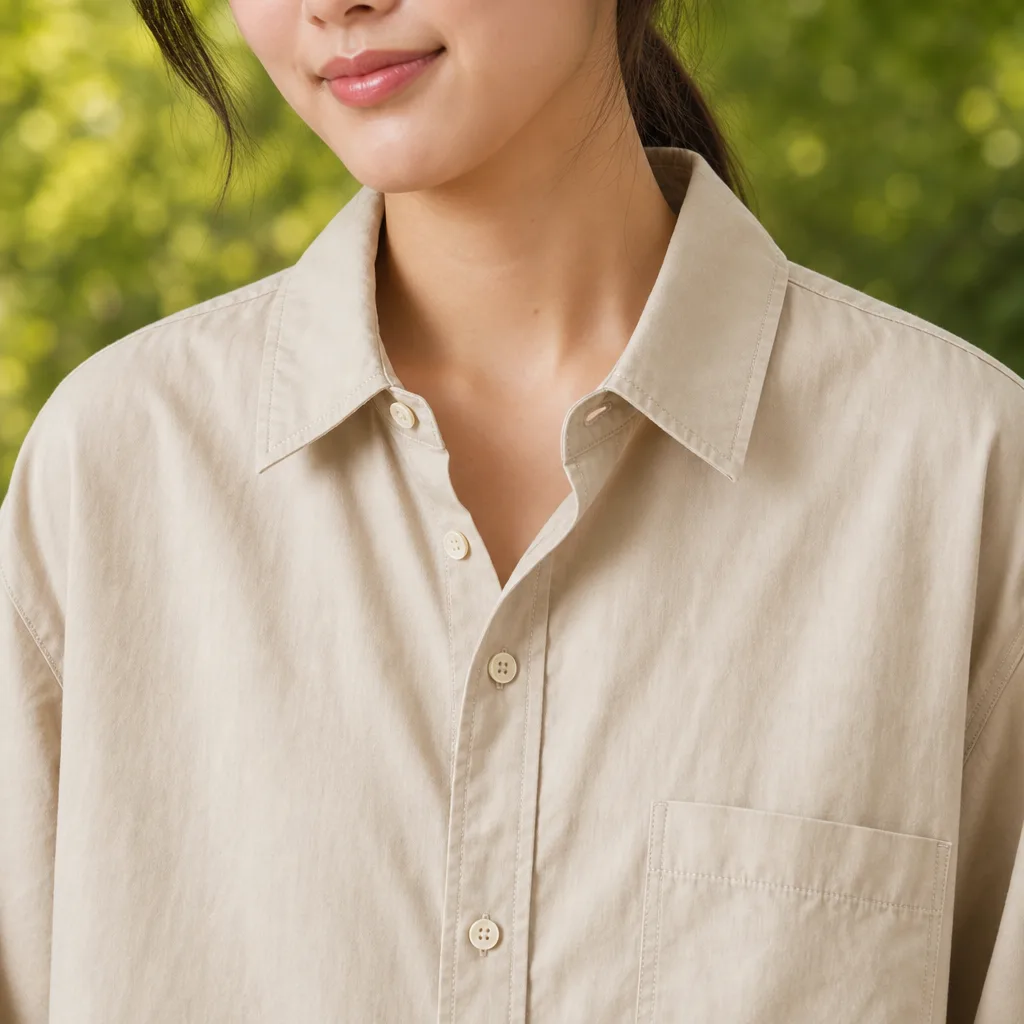
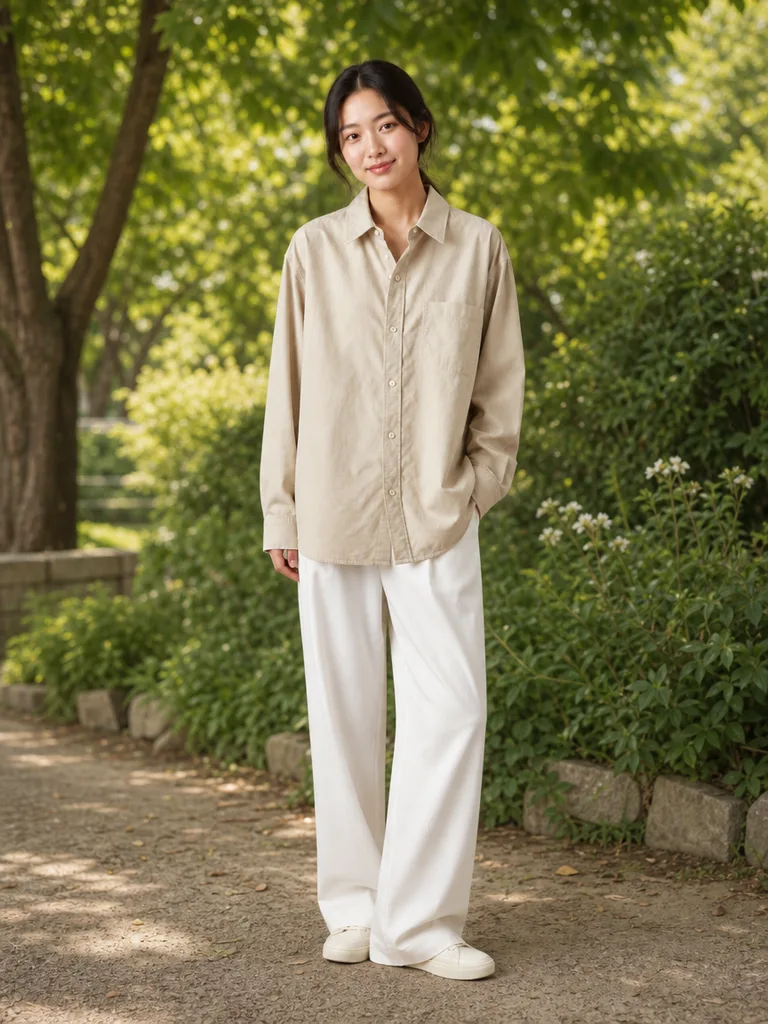
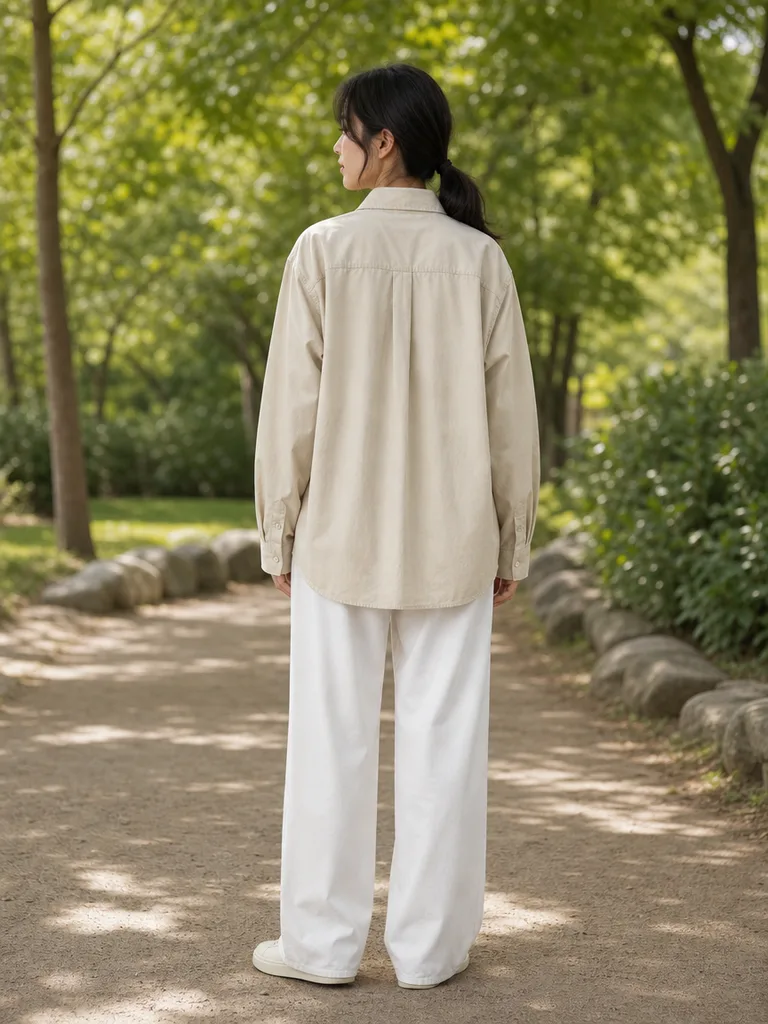
Just the garment photo. Eleven on-model shots come out.
11 images · Est. 26–228 credits · Drafts covered free
1
Pick the model
Three model-and-scene options.
2
Main shots
Front, angle and torso cuts.
3
Compare
Checked side by side with the original.
4
Details
Two worn close-ups.
5
Lifestyle
Two natural, in-motion shots.
6
Back view
One full back shot to finish.
The garment stays true. Prints, buttons and length are preserved, with a compare step.
What you get
- 3 model & scene drafts
- 3 main fitting shots
- 2 worn detail close-ups
- 2 lifestyle shots
- A back-view shot
You need
- 1–3 garment photos (front required)
- One line about the piece
FAQ
What does it cost?
Estimated 26–228 credits, confirmed at every step.
What if details drift?
The compare step catches it. Redo any cut on the spot.
OK for product pages?
Yes — we recommend labeling shots as AI models.
Can I choose the model type?
Pick from three drafts, or describe what you want.