

AI Recipe
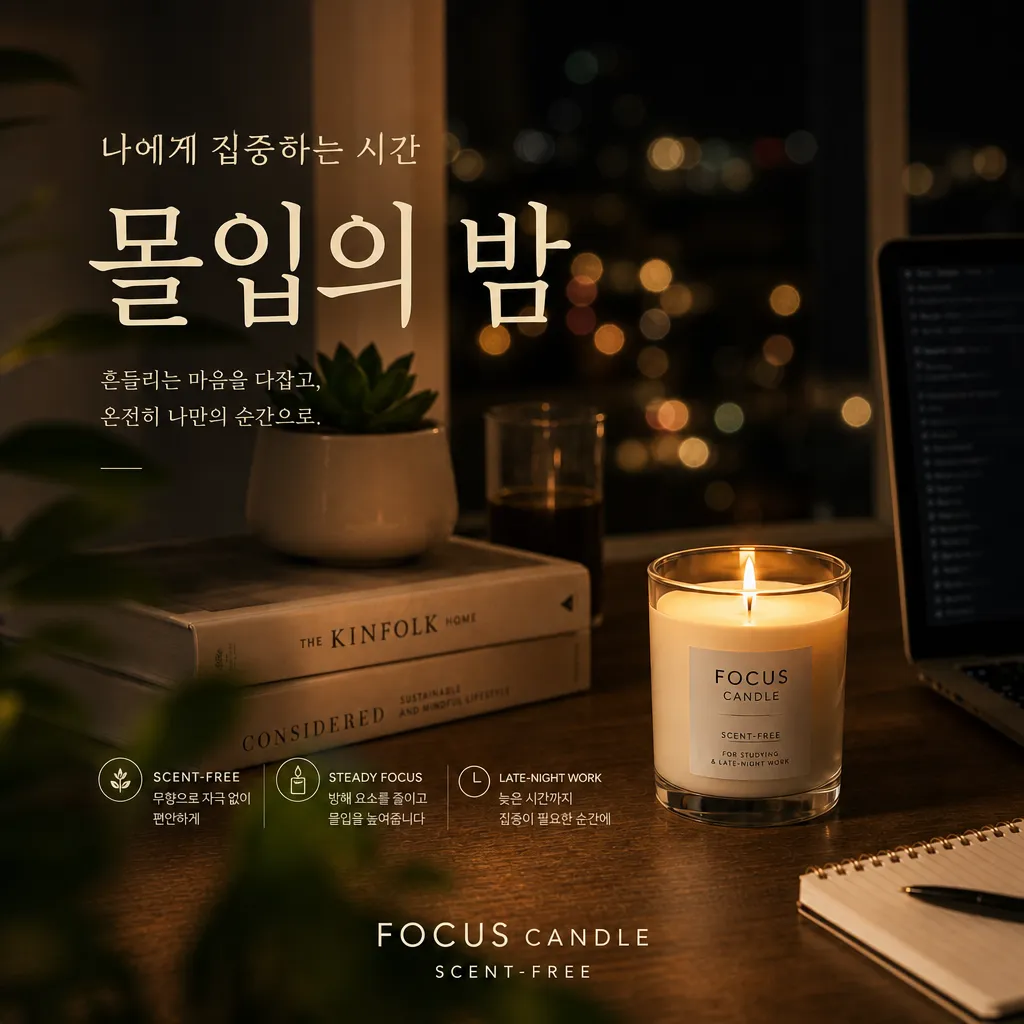
A full product page, from photos
Upload 1–3 product photos. Get 22 images, hero shots to banners.
22 images · Est. 53–456 credits · Drafts covered free
1
Pick a mood
Choose from three directions.
2
Lock the hero
Confirm your main shot.
3
Expand
Details, scenes, model shots.
4
Finish the page
Banners and cards fill in.
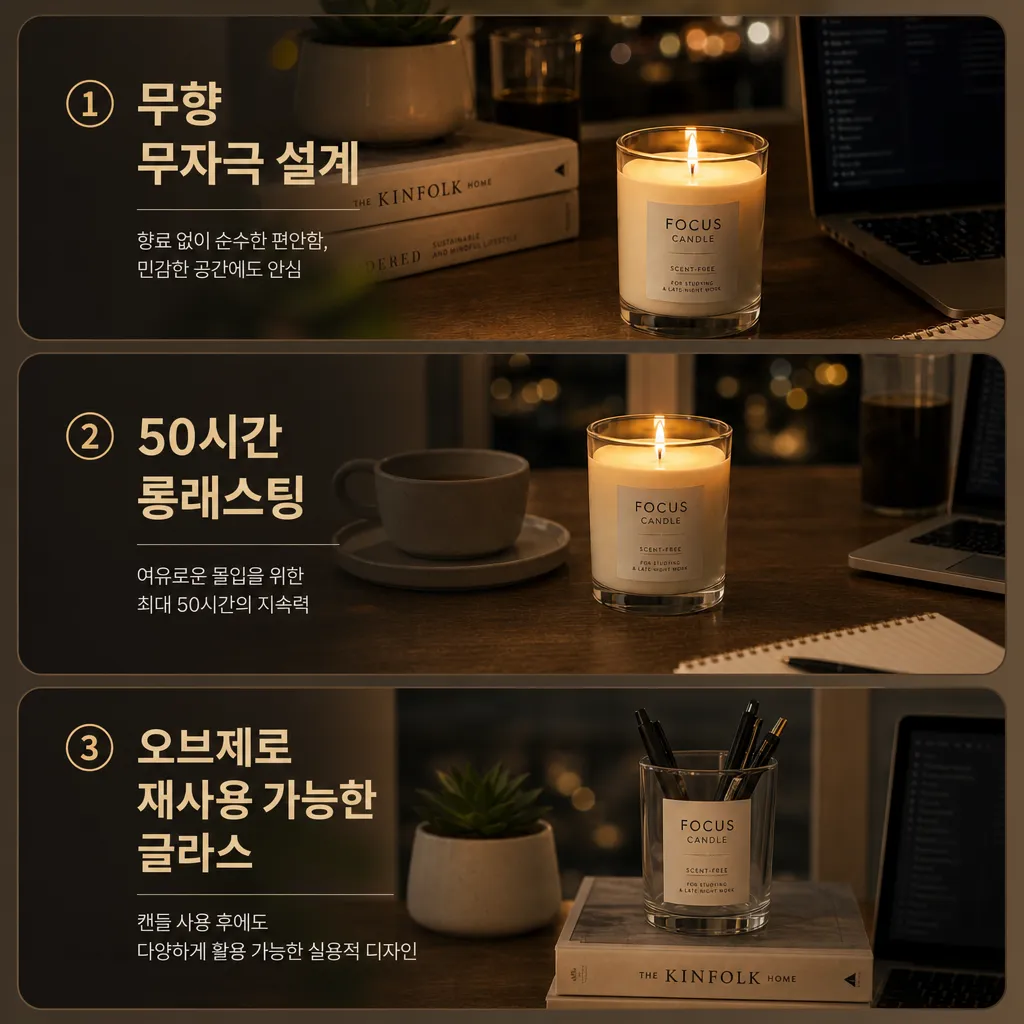
Copy inside the images. Selling points render on the text-fidelity model.
What you get
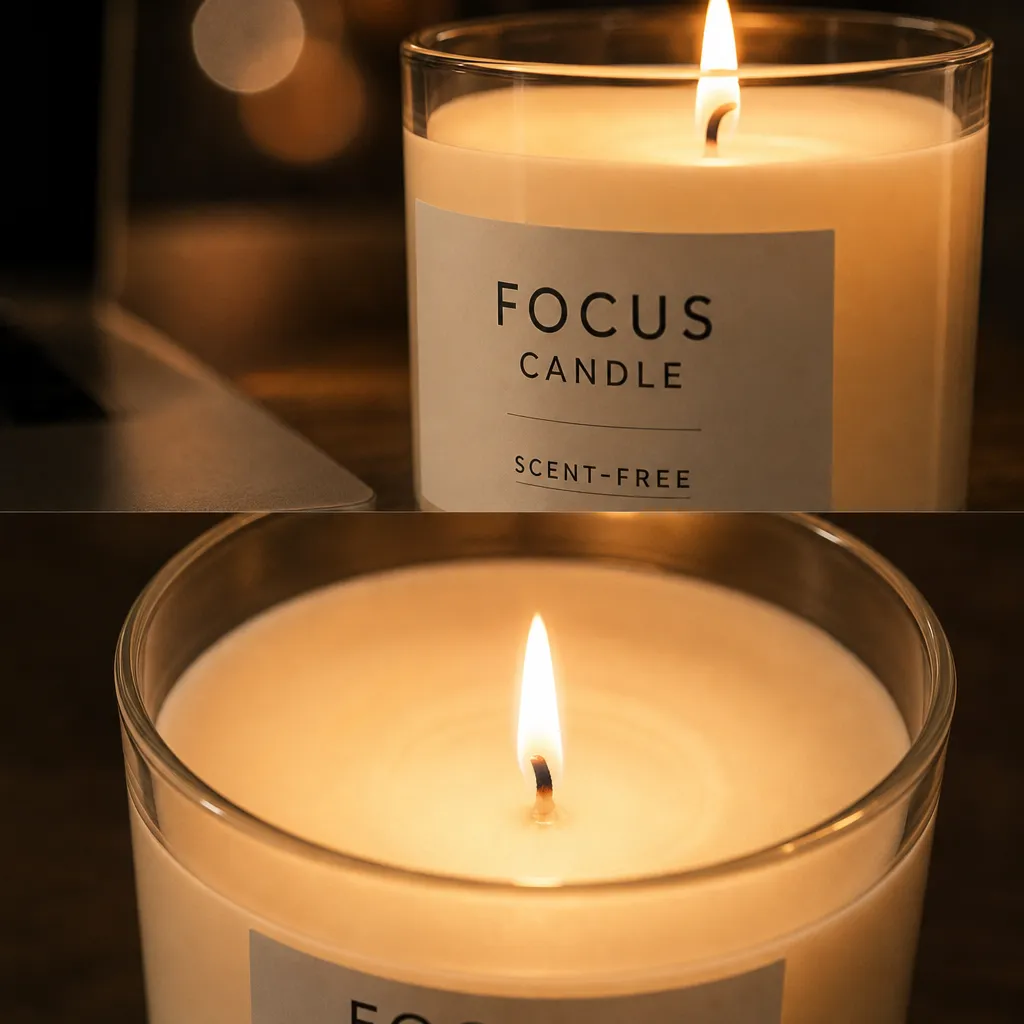
- Hero & detail shots
- Scene & model shots
- 3 selling-point cards
- Banners & social set
You need
- 1–3 product photos
- Brand & product name
- Three key strengths
FAQ
What does it cost?
Estimated 53–456 credits, confirmed at every step.
How do model shots work?
An AI model holds your product. Skip them if you prefer.
Can I revise?
You pick and confirm at each step.
Commercial use OK?
Yes, straight to your store.