

AI Recipe
Make an event poster
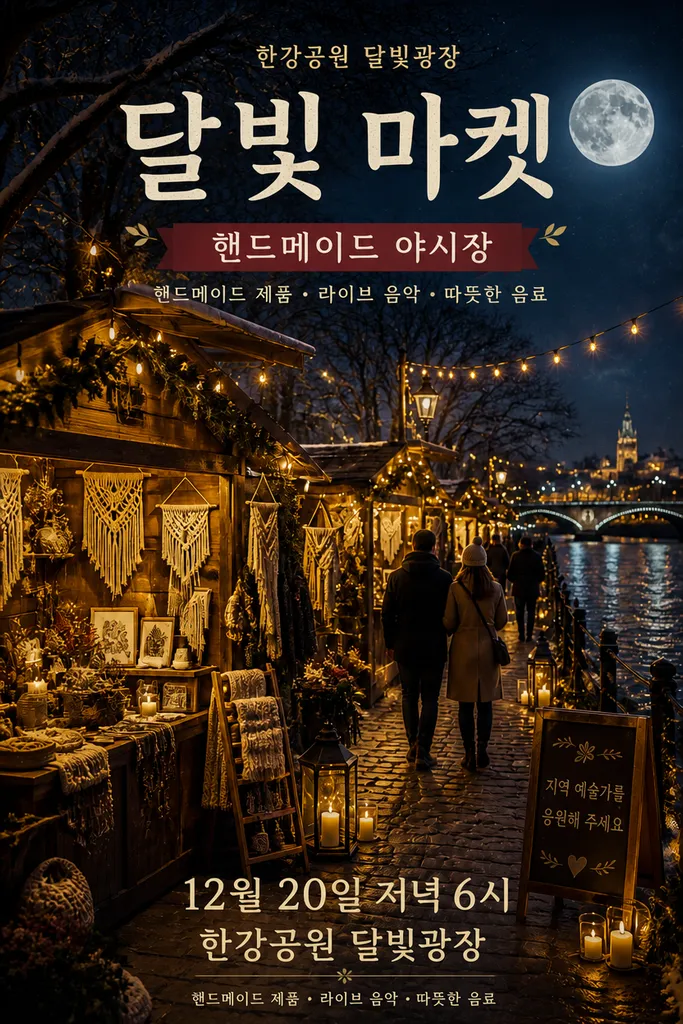
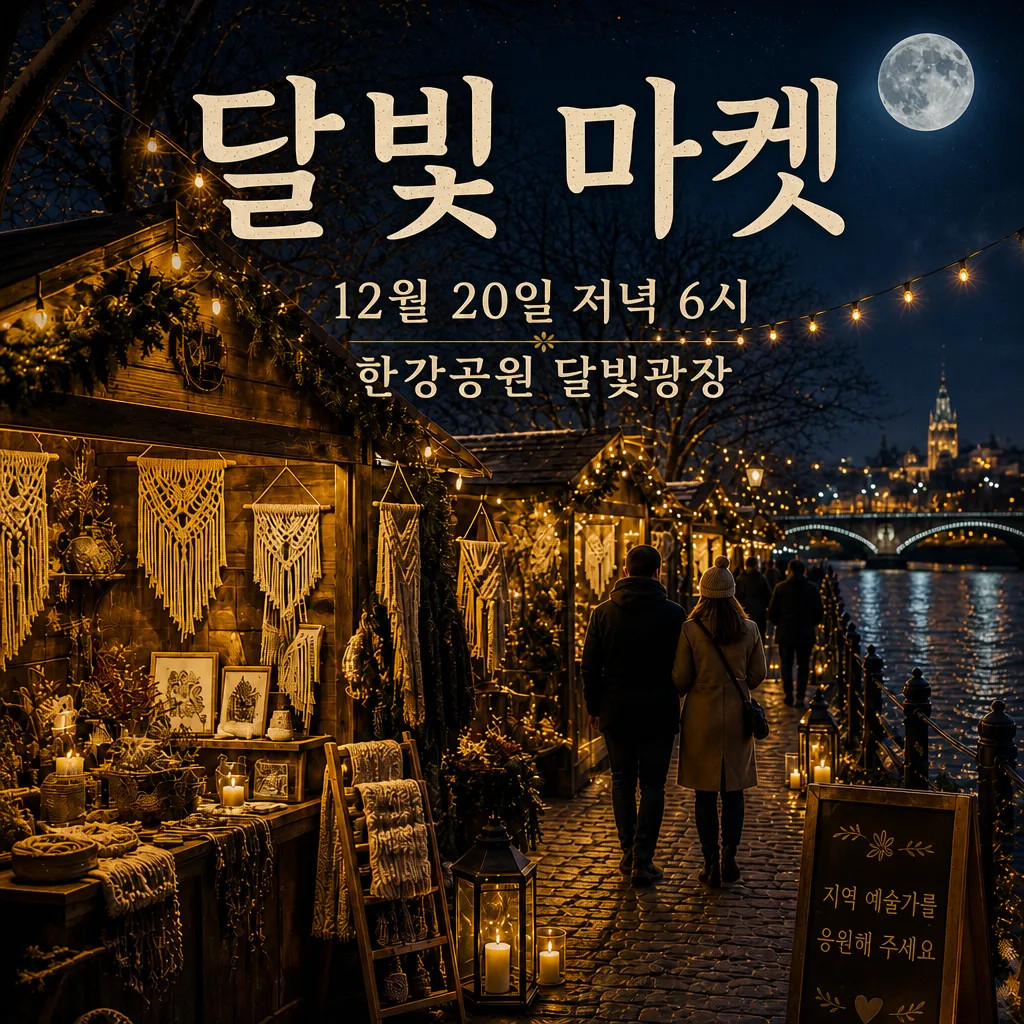
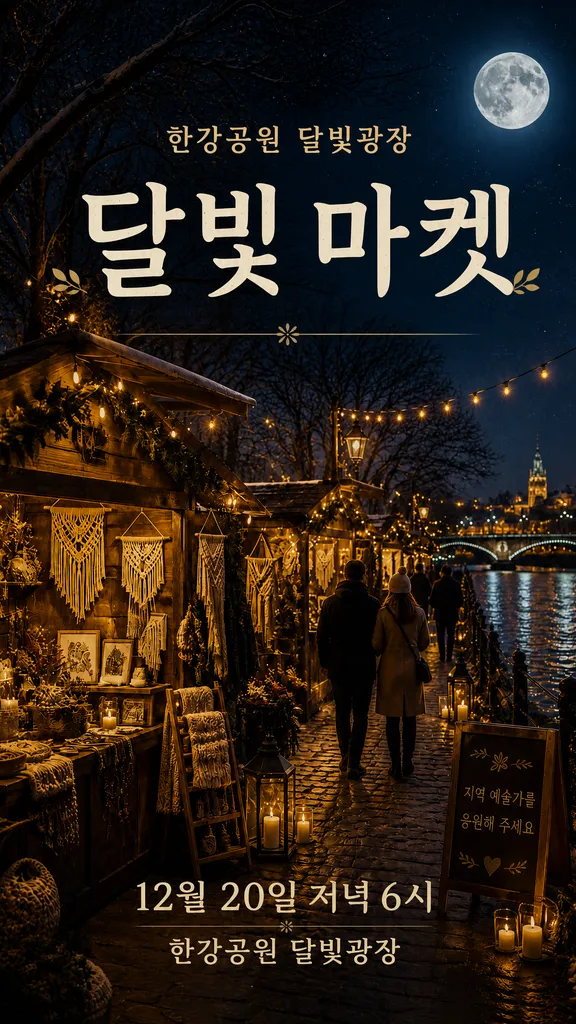
Type the event name and date. Eight images come out, poster to social set.
8 images · Est. 19–166 credits · Drafts covered free
1
Pick a mood
Choose from three directions.
2
Pick the poster
Two layouts with your event name rendered in.
3
Slogan
Pick from three. This step is free.
4
Social set
Instagram feed and story formats.
Text that stays crisp. Names and dates render on the highest-fidelity text model only.
What you get
- 3 mood drafts
- Main poster
- 3 slogans
- 3-piece social set
You need
- Event name · date · venue
- A one-line description
- 1–2 photos (or let AI make them)
FAQ
What does it cost?
Estimated 19–166 credits, confirmed at every step.
No photos on hand?
Say "just make it" and AI builds the starting graphics.
Can I change things midway?
You pick and confirm at each step. Redo anything on the spot.
Commercial use OK?
Yes, use it for your event as is.